NOTE: This article is listed in the following 'checklist' guides: [Integrate] Errors while Recording, Posting, or Importing
Versions: 6.5.x
Issue:
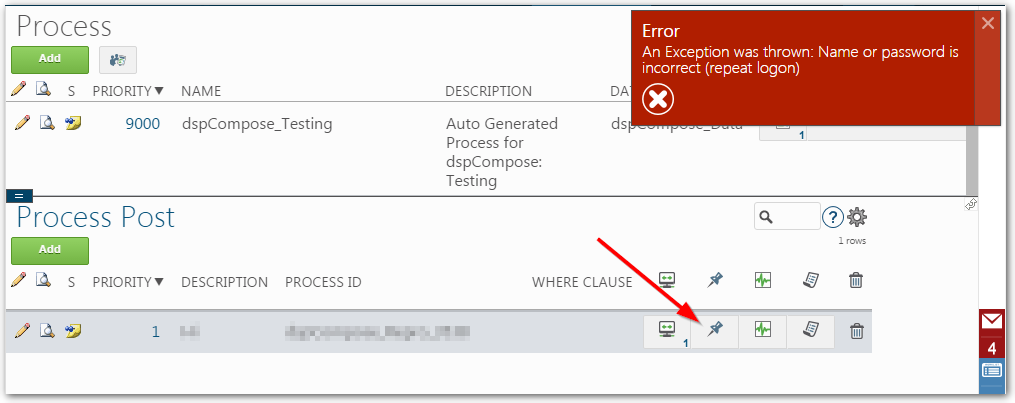
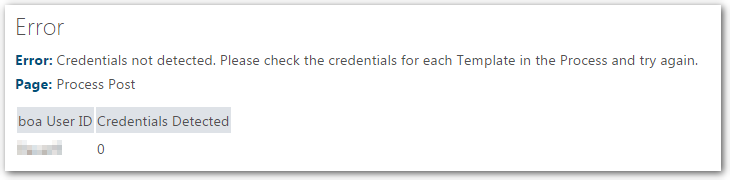
Getting an error related to credentials while trying to post in Integrate (or an app that uses Integrate, such as dspCompose).
Resolution:
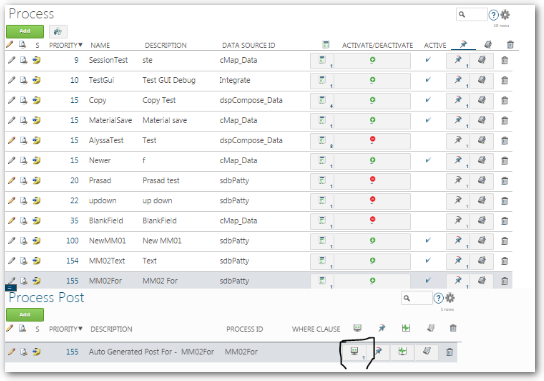
- Navigate to the Integrate ->Categories ->Processes page.
- Click on the Pin icon of the process.
- Click on the Connections Icon for that Process Post.
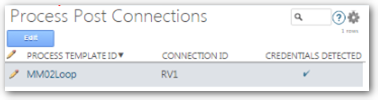
- Confirm that the correct Connection ID and Credentials Detected is entered and checked.
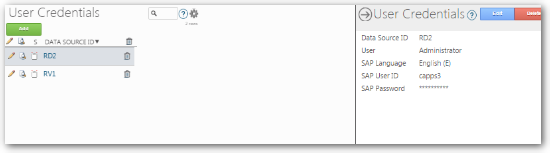
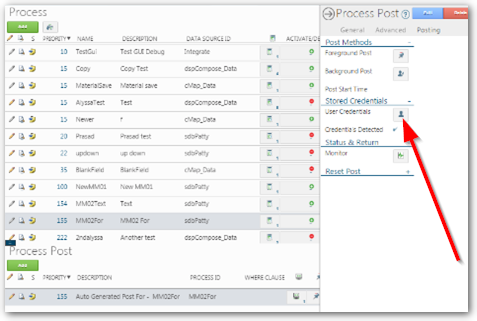
- Navigate to the Vertical of the Process Post, Postings tab and click on the User Credentials button.
- Navigate to the Vertical of the correct Data Source ID(Connection) and test connection to make sure it passes.